Portal
Swagger Catalog allows you to view if an API has the required supporting documentation in Swagger Portal. If a Portal product already exists, link your Catalog APIs to it. If not, create a new Portal product to link the APIs to. Role management for Portal is done inside Swagger Studio. For more information, refer to Swagger Portal documentation.
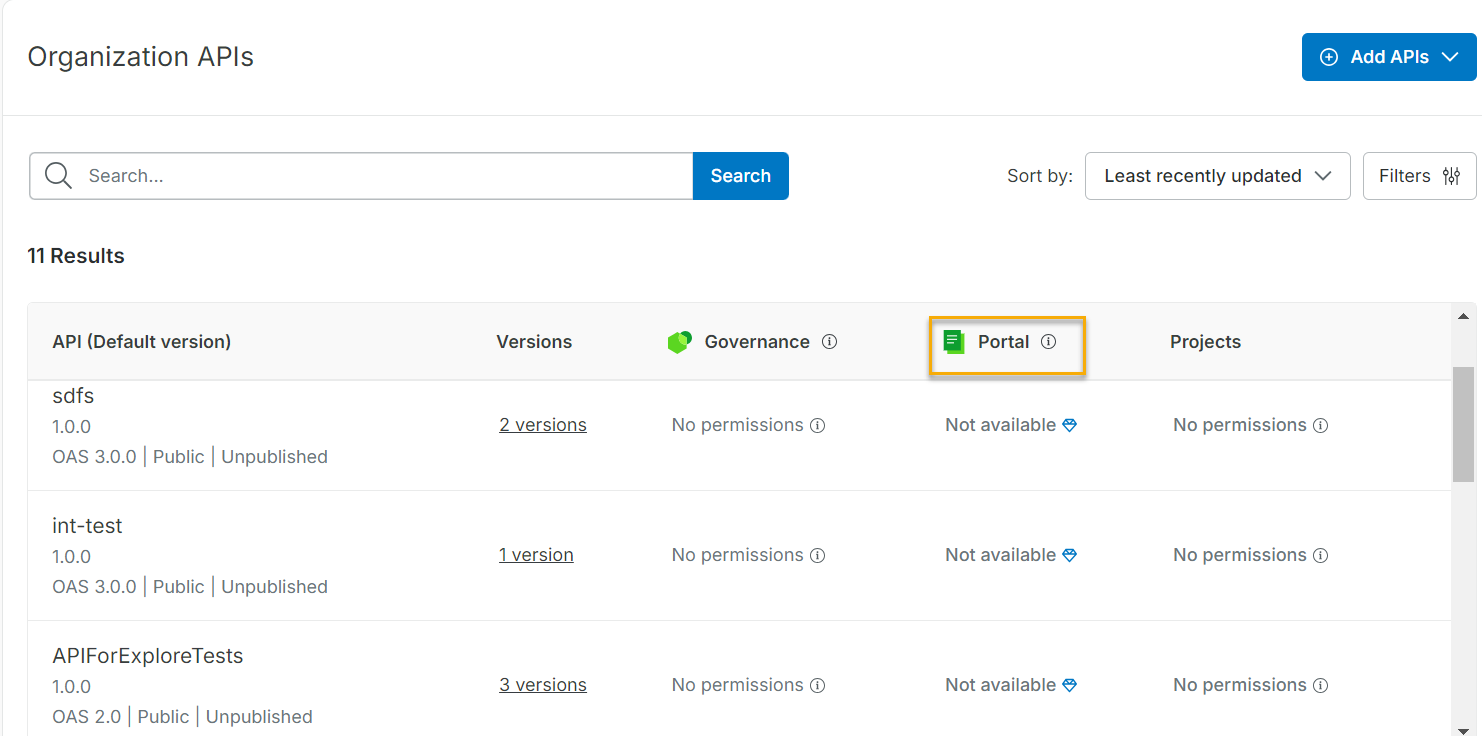
To link an API to a new product, do the following:
On the Swagger Catalog home screen, under Portal, select the Link to list.
Select +New Product from the Link to list.
You can link a private API to a public product, and this icon appears next to the API in the product. You can add the API to the required product on the New Product screen. See Create New Product in Swagger Portal the documentation.
Important
Clicking Not linked APIs to view the details of unpublished APIs. You can view the API and open it in the editor.
If an API that is linked to a portal is deleted by a user, it remains visible in the portal and is marked as Not Available.
You can now link MCP and A2A API specification types to an existing project or a new project.